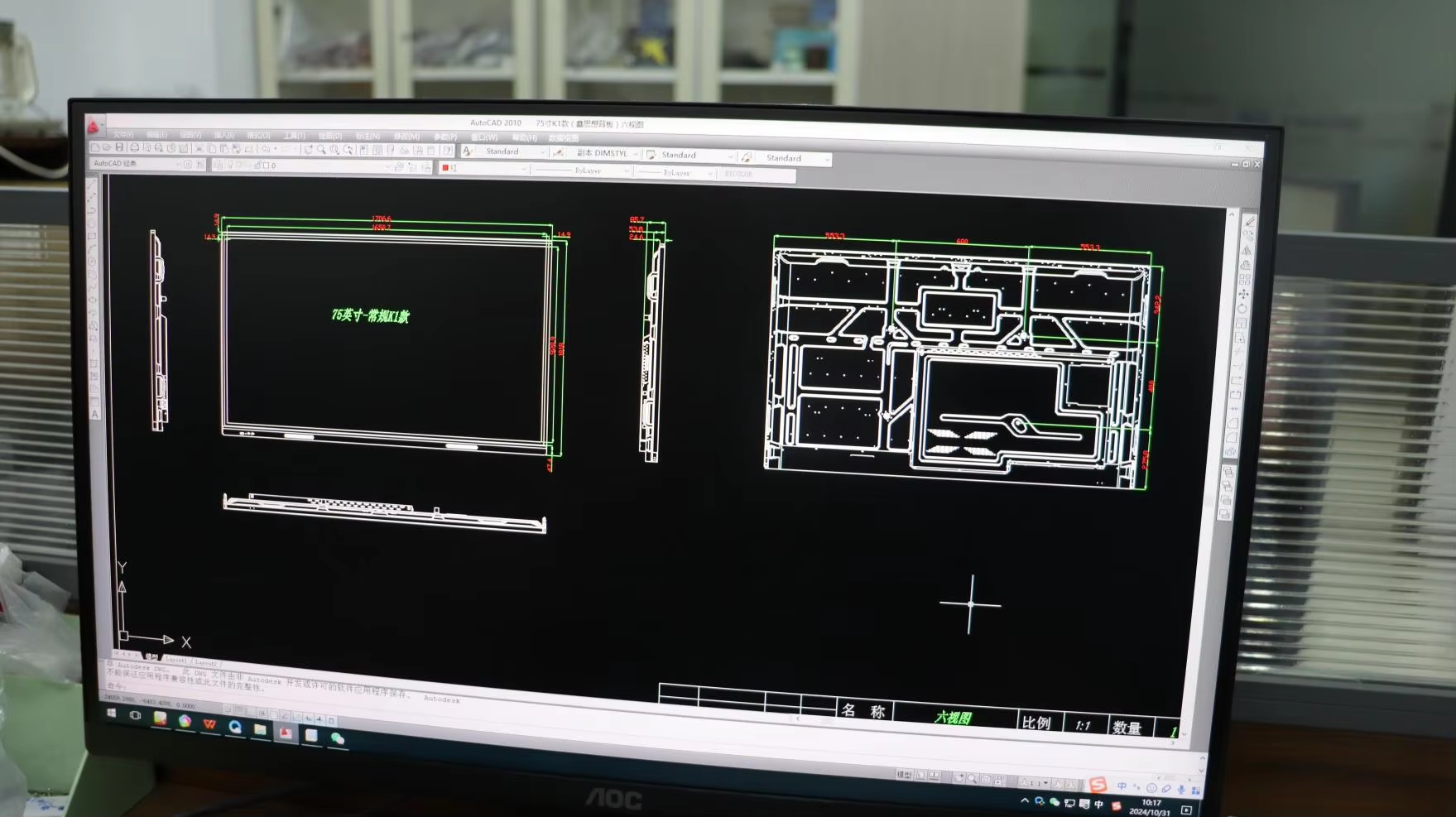
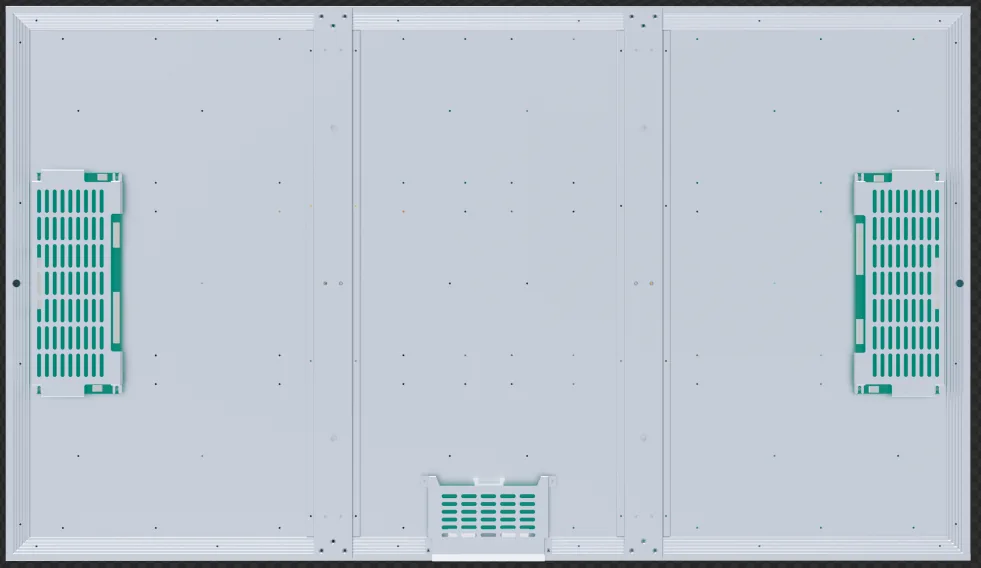
Interface assumptions usually surface late: the supplied player cannot run the customer CMS, serial commands are undefined, cable exits conflict with the structure or power recovery does not match site operation.
Define the handover points between hardware and system
A display can pass its factory test and still fail commissioning when the media player, CMS, network, control commands or restart sequence belong to different parties. Integration risk lives at these boundaries rather than inside one specification sheet.
The integrator should create a responsibility and test matrix early enough to influence connectors, cable exits, player space, ventilation and firmware choices. That matrix becomes the shared reference for factory acceptance and site commissioning.
Freeze the playback and software boundary
Identify the operating system, player hardware, CMS version, licenses, content formats and remote-management owner. If the customer supplies the CMS, provide a test account or image early enough to verify the proposed player.
Clarify who maintains the operating-system image, kiosk behavior, security updates and automatic application launch. These responsibilities should not be inferred from the presence of an Android or Windows player.
Document every physical and control interface
List signal, USB, network, serial, GPIO, sensor and power connections with connector type, cable direction and ownership. Add mechanical mounting points, player envelope and ventilation clearance to the same controlled drawing set.
For serial or network control, state the commands actually required: power state, brightness, input, status or scheduled restart. A general statement that remote control is supported is not a testable requirement.
Test recovery, not only normal playback
Factory acceptance should simulate loss and return of mains power, network interruption, application restart and unavailable content. Confirm the intended sequence and how long the system may take to return to service.
Use representative content and the final player image where possible. Record the software version, settings and connected peripherals so site behavior can be compared with the approved factory state.
Integration responsibility matrix
Assign one owner and one acceptance method to each boundary before shipment.
| System layer | Decisions to freeze | Likely owner | Acceptance method |
|---|---|---|---|
| Content and CMS | Formats, schedule, licenses, monitoring and user roles | Customer or integrator | Publish, update and recover representative content |
| Player and OS | Hardware, image, auto-start, storage and update policy | Integrator or display supplier | Cold boot, application restart and version record |
| Display control | Brightness, power, input, sensor and feedback commands | Shared interface | Command list tested against required states |
| Mechanical and site | Mounting, cables, ventilation, power and service direction | Contractor with supplier input | Drawing review and physical fit check |
Integration assumptions that surface during commissioning
- 01CMS compatibility inferred from the operating system
A supported OS does not guarantee that the exact player image, codec, license or remote agent has been validated.
- 02Control requirement written as one word
Specify the commands and feedback needed instead of asking only for RS232 or API support.
- 03Factory test excludes failure recovery
Normal playback says little about how the system returns after power or network loss.
Questions for the system design review
- Who supplies and supports the final player image and CMS licenses?
- Which control commands and status feedback are required by the project?
- Where are the player, network equipment and cable service loops located?
- What must happen automatically after power and network recovery?
- Which tests will be repeated during site commissioning?
Who this guide is for
Digital signage integrators, AV integrators, control-system contractors and solution providers delivering complete customer systems.